FUSION CAD ASSIGNMENT:
Project showcase
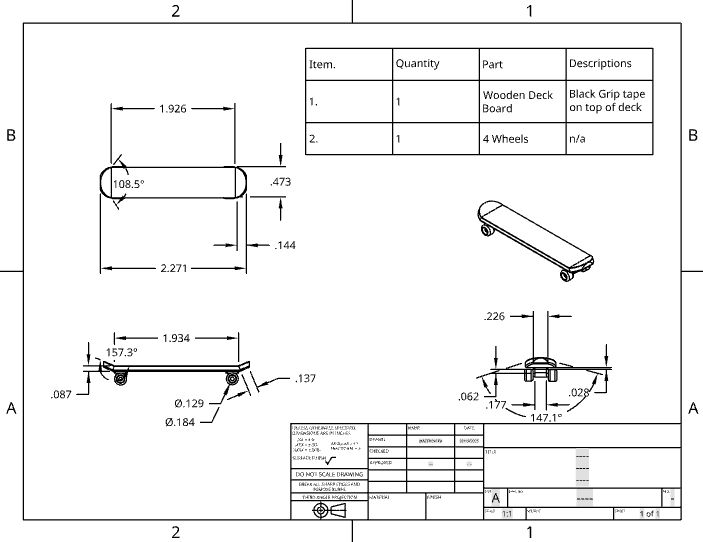
Mechanical Drawing and BOM (Bill of Materials)
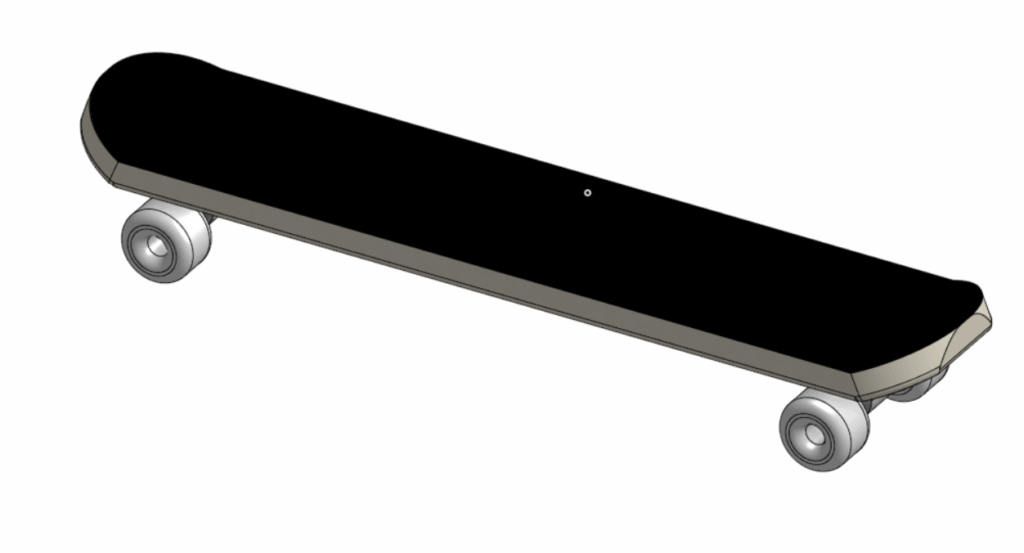
For my CAD assignment, I designed a skateboard. For this idea, I used a variety of Onshape skills, including; Sketches, Extruding, Fillets, Thickening, and Transforming.
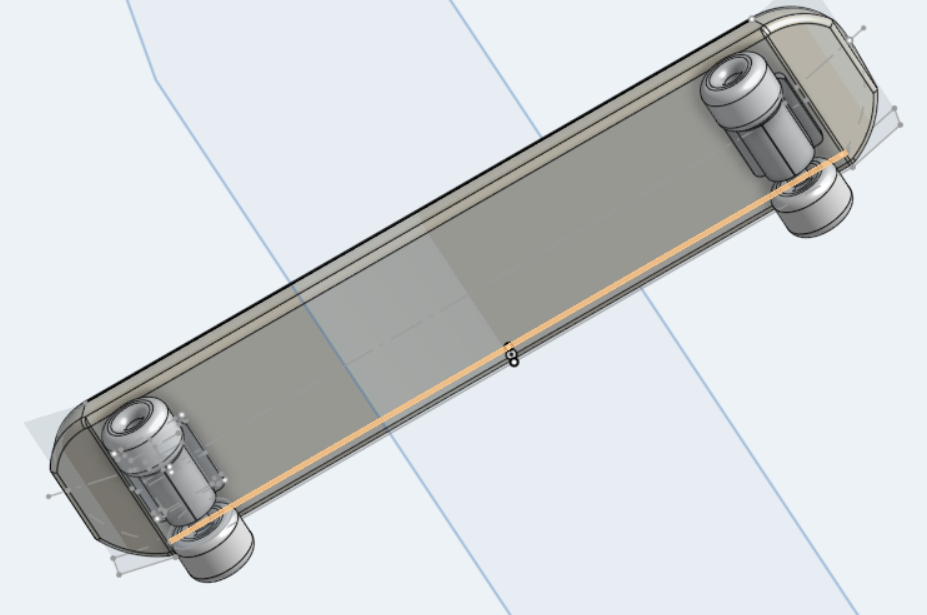
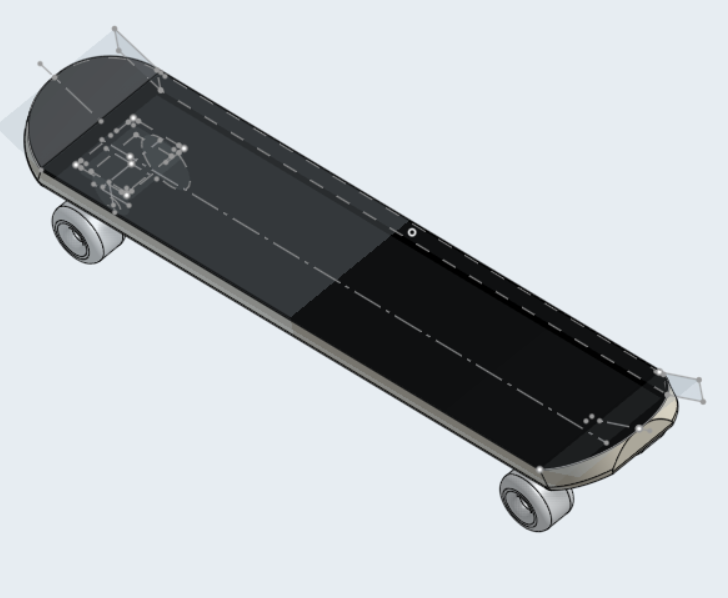
My model, which is a skateboard, includes wheels, a wheelbase, a main skateboard deck, and a skateboard grip.
Sketching and extruding were by far the most simple skills, I used them to cleanly illustrate lines and to create a main structure, as well as to create depth. A tool I paired along with the sketch tool was the construction tool, this allowed me to create straight lines I could base off of when adding lines or extruding evenly.
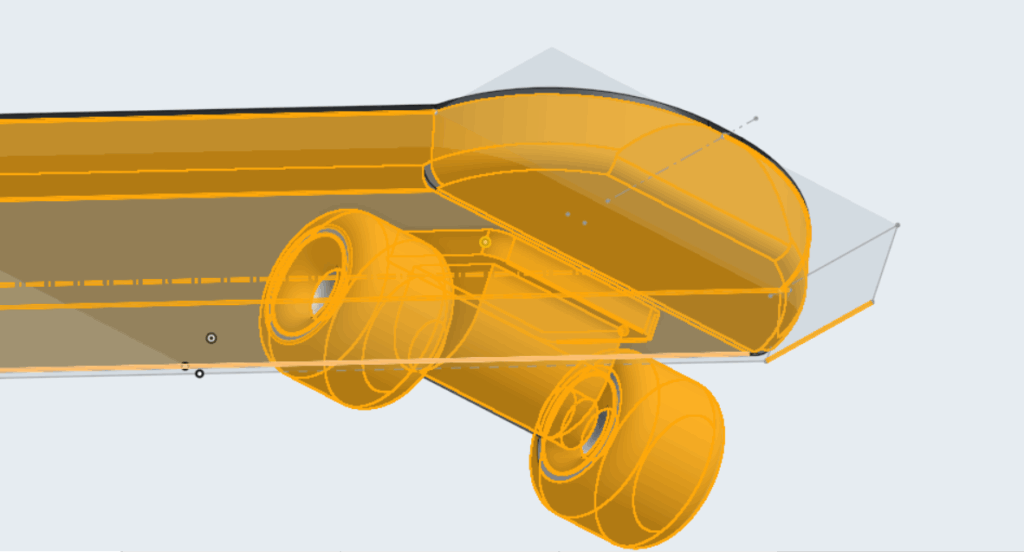
Another tool I used was the fillet tool, this tool allowed me to create round edges that I need to create parts such as the wheels, smooth edges, and curves.
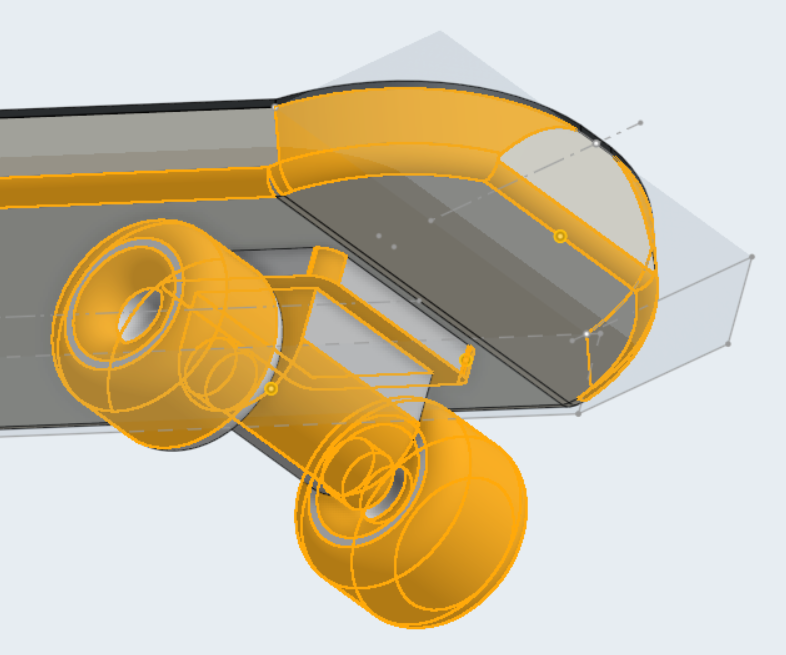
The transforming and mirroring tool were also major time savers while working on this project, the transforming tool allowed me to duplicate objects, allowing me to drag along the x and y axis. Mirroring specific details on round angles was also a big help, as I didn’t have to eyeball the second side to make it as close as possible.
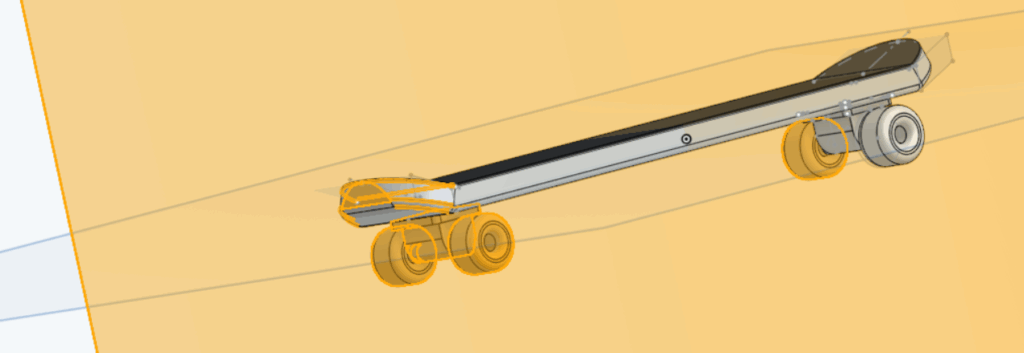
The wheels are connected to the wheelbases using screws, connecting the centre of the wheel to the base.
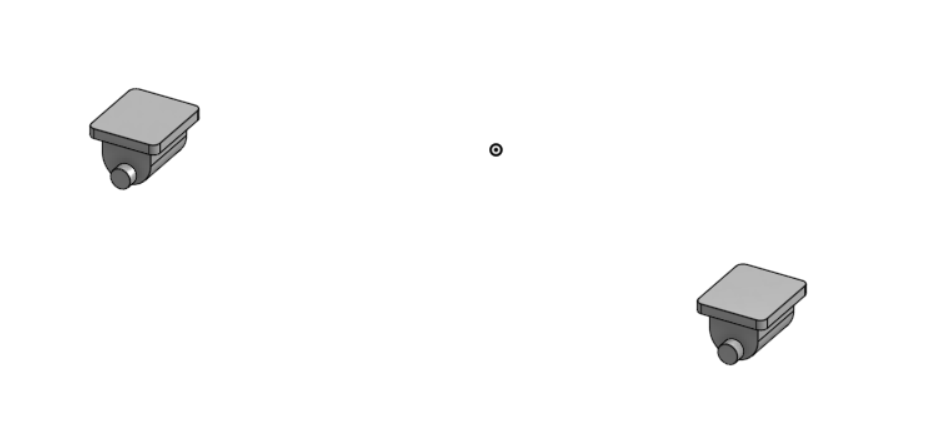
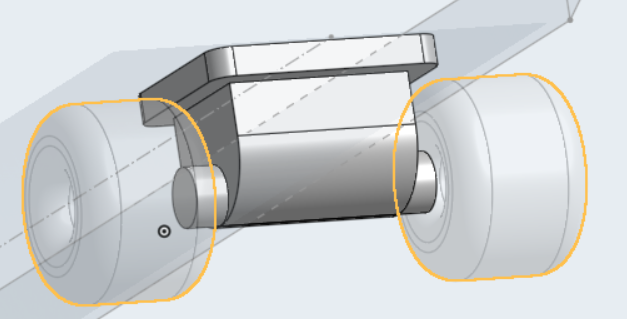
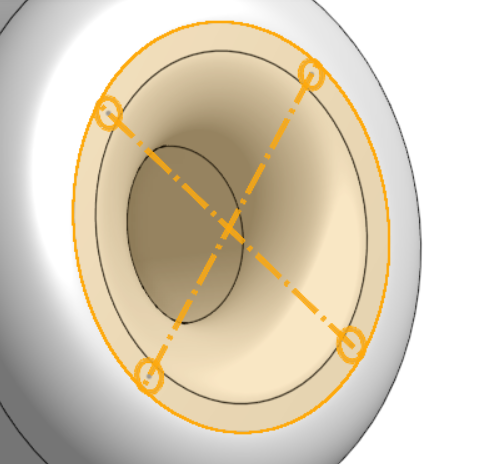
To connect the wheels to the base and spin, the wheels have 4 identical holes drilled around the centre, allowing equal spinning and rotation while still being stable.
After completing the design of the skateboard, I then moved towards areas of completion such as the BOM, Drawing, Dimensions, and separations of parts.
Parts
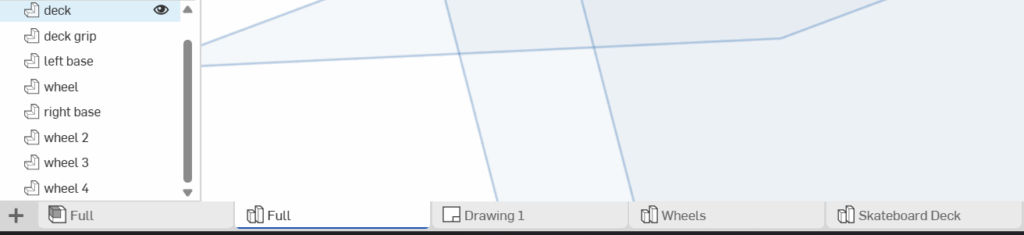
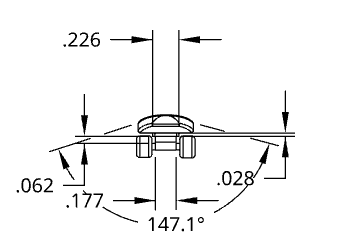
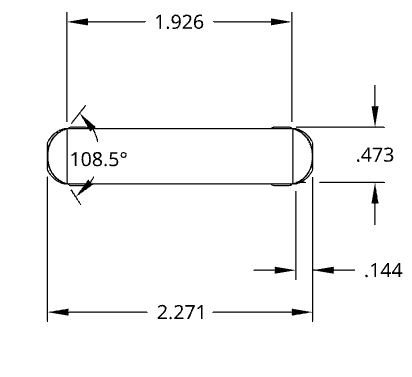
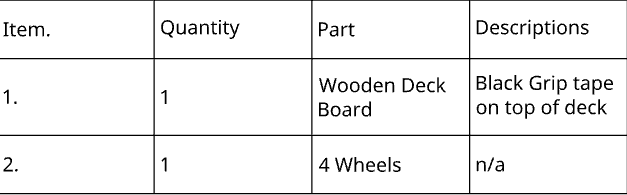
My Drawing included the dimensions of my skateboard and my BOM, the dimensions were a big help to see if my skateboard measurements had lined up and were viable and if they were similar in proportions of scale.

Thank you so much for reading my blog, and I’m looking forward to my next project in Fusion 10.

Leave a Reply